


App Registrations securely managed in Entra ID
In many organizations, managing Entra ID app registrations involves balancing the need for control with business teams’ need to integrate applications quickly. Restricting the creation of app registrations to a small group of administrators can quickly create bottlenecks. On the other hand, granting permissions too broadly can lead to unmanaged applications with excessive access.
This highlights a fundamental issue: the lack of a structured process for managing app registrations throughout their lifecycle—in other words, end-to-end identity lifecycle management.
Index
What are app registrations in Entra ID?
An Entra ID app registration creates an identity for an application in the tenant, comparable to a user account for software. The registration generates a unique Application ID, an optional Directory Object ID, and the foundation for authentication using OAuth 2.0 or OpenID Connect. The registration includes details such as redirect URLs, permitted authentication methods, and requested API permissions. Once the application receives admin consent, a service principal is also created in the tenant—the object the application actually uses to operate and request tokens.
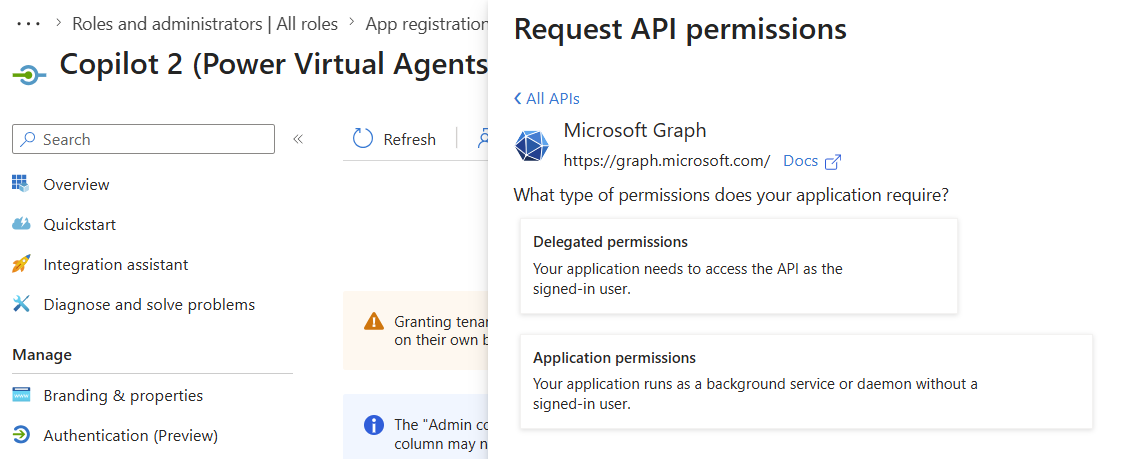
The distinction between delegated and application permissions is particularly important. A delegated permission operates in the context of a signed-in user, while an application permission can access data or resources independently of a user. If an application permission with tenant-wide access is accidentally selected for a limited business process, a small integration project can quickly become a far-reaching access pathway.
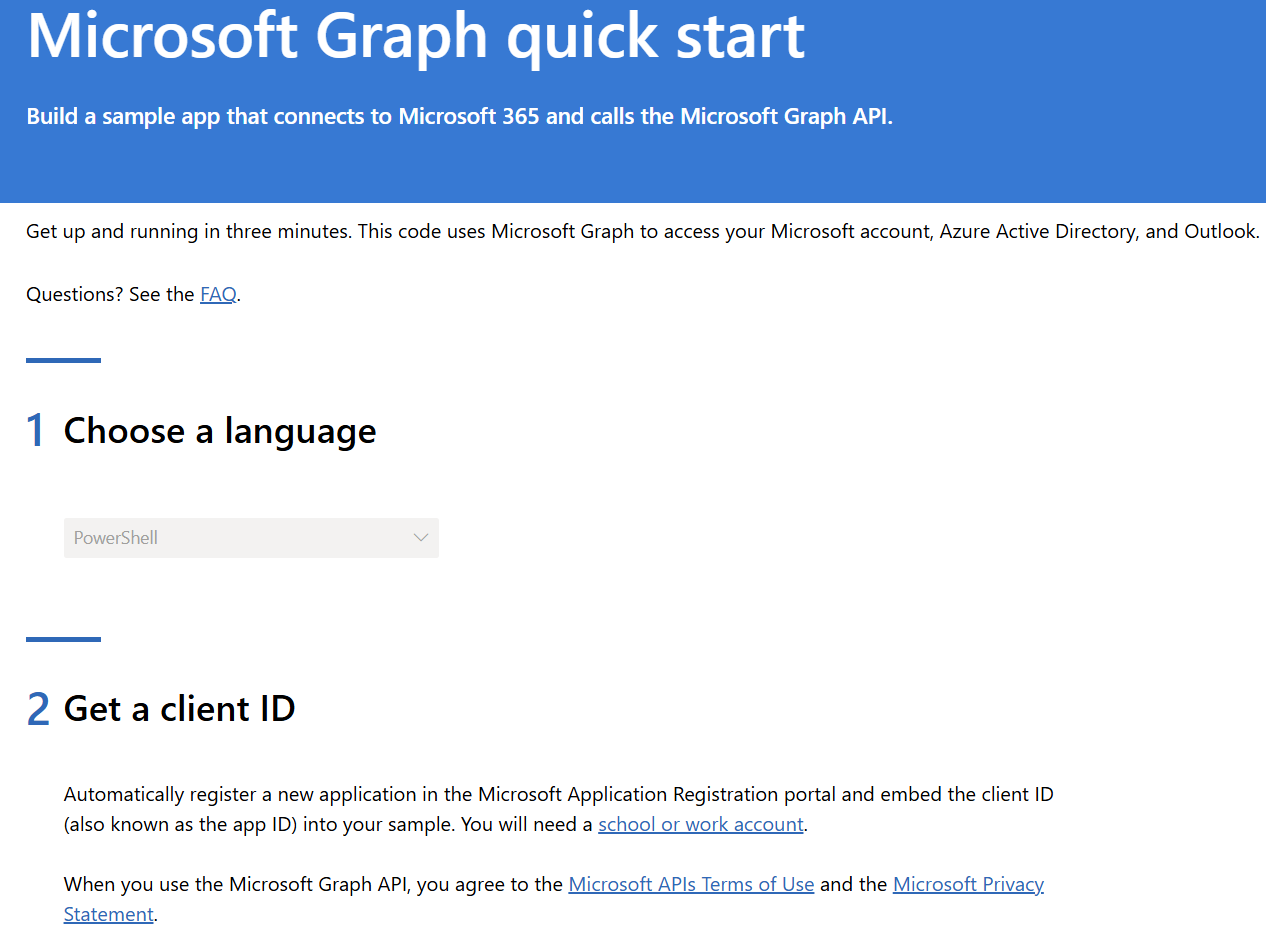
Microsoft Graph is the central REST API behind Microsoft 365 and Entra ID, accessible at https://graph.microsoft.com. Whether reading users, writing calendar entries, moving SharePoint documents, or creating security groups, these actions are generally performed through calls to Microsoft Graph. The permissions an application needs for Microsoft Graph endpoints are defined using delegated permissions or application permissions. Scopes are permission components that describe what an application can do and must be approved through consent before the first production request.
Assessing the critical permissions of app registrations
A scope such as Mail.Read can apply to the signed-in user’s mailbox. Mail.Read.All, depending on the specific configuration, can allow access to mailboxes across the entire tenant. Similarly, Files.ReadWrite.All expands access from individual files to files in OneDrive and SharePoint. Permissions like these should therefore trigger an additional security review.
In practice, organizations should define which scopes are permitted without additional review for each application category, and which require approval from Security or a tenant administrator. Permissions with the suffix .All deserve particular scrutiny because they can significantly expand an application’s potential reach.
Why doesn’t an admin-only approach to app registrations scale?
Restricting app registrations to administrators does provide control, but in practice it does not scale well. Every new integration creates tickets, review work, and waiting times.
Administrators become a bottleneck, SLAs come under pressure, and business teams lose momentum. This can lead to workarounds such as test tenants or unofficial integrations. Shadow IT is often not an attempt to break the rules, but a symptom of missing, scalable processes. Without a structured lifecycle, an admin-only approach leads either to delays or a loss of control—often both.
Example: An app registration for Controlling
For example, a business unit may need an application that processes calendar data for an internal capacity analysis. A structured portal captures the purpose, owner, redirect URL, and required permissions. The request is reviewed from both a business and security perspective, then implemented automatically. After a defined period, the application is recertified. When the approved usage period ends or the application is no longer needed, its permissions and credentials can be revoked automatically, and the app can be decommissioned.
The app registration lifecycle in practice:
- Request: Capture the purpose, owner, and required permissions
- Review: Assess risks and scope category
- Approval: Obtain business and technical approvals
- Implementation: Create the app, permissions, and credentials
- Operation: Monitor usage, ownership, and permissions
- Recertification: Confirm the need for the app regularly
- Decommissioning: Remove secrets, permissions, and the app
The key point is that creating an app registration is not the end of the process. A controlled lifecycle only takes shape when operation, regular reviews, and a defined decommissioning process are included.
For more information about app registrations and their technical management, see the article Entra ID Integration for SSO and API Access Control.
Limitations of Microsoft Entra ID for managing the app registration lifecycle
Microsoft Entra ID offers extensive features for creating and managing app registrations. However, these primarily cover the technical side, rather than the complete lifecycle of app registrations.
Key elements of end-to-end identity lifecycle management are often missing:
- No standardized request process: App registrations are created directly in the tenant, without a structured workflow or business justification.
- No centralized permission governance: Which scopes are allowed is often left to the discretion of individual administrators.
- No lifecycle governance: Once created, app registrations remain in place without automatic reviews or expiration mechanisms.
- No mandatory ownership: App registrations often have no clearly assigned owner, especially after an employee changes roles or leaves the organization.
- Limited built-in recertification: Regular reviews must be organized manually—or may not happen at all.
These limitations mean that app registrations may work correctly from a technical perspective but are not embedded in a controlled lifecycle.
This is where a central platform is needed to structure and govern the lifecycle at an organizational level.
Practical steps for administrators
Organizations can take the following initial steps to better control the app registration lifecycle, even without an additional platform:
Inventory app registrations: Create an overview of existing app registrations and their active permissions.
Assign owners: Every app registration should have a clearly assigned owner responsible for its use and permissions.
Use delegated roles instead of global admin rights: Microsoft Entra ID lets you delegate app management rights using limited, custom roles, rather than granting registration rights only to global administrators across the board—or leaving them completely unrestricted. This allows selected people or teams to manage specific app registrations without giving them access to other areas of Microsoft Entra.
Review permissions regularly: Application permissions in particular should be reviewed at regular intervals and reduced where possible.
Restrict admin consent deliberately: Critical scopes should not be granted without additional review.
Set expiration dates for secrets: Short-lived credentials reduce long-term security risks.
These measures can help in the short term, but in larger environments they quickly reach their limits because they have to be implemented manually. This is where structured identity lifecycle management through automated IAM solutions—such as the FirstWare IDM-Portal from FirstAttribute AG—can add value.
The IDM-Portal as a central control point
This is where the FirstWare IDM-Portal comes in. The IAM solution supports identity lifecycle management for applications, connecting organizational processes with technical implementation.
All requests are submitted through a central interface and processed using defined approval workflows. Implementation is automated, so applicants do not need direct administrative permissions.
The lifecycle in practice (example)
A business user needs access to an application.
- Submit a request through the IDM-Portal
- Obtain approval from the manager and, where applicable, IT
- Automatically implement the change in Entra ID
Permissions are automatically reviewed after a defined interval. Access that is no longer needed is removed or adjusted.
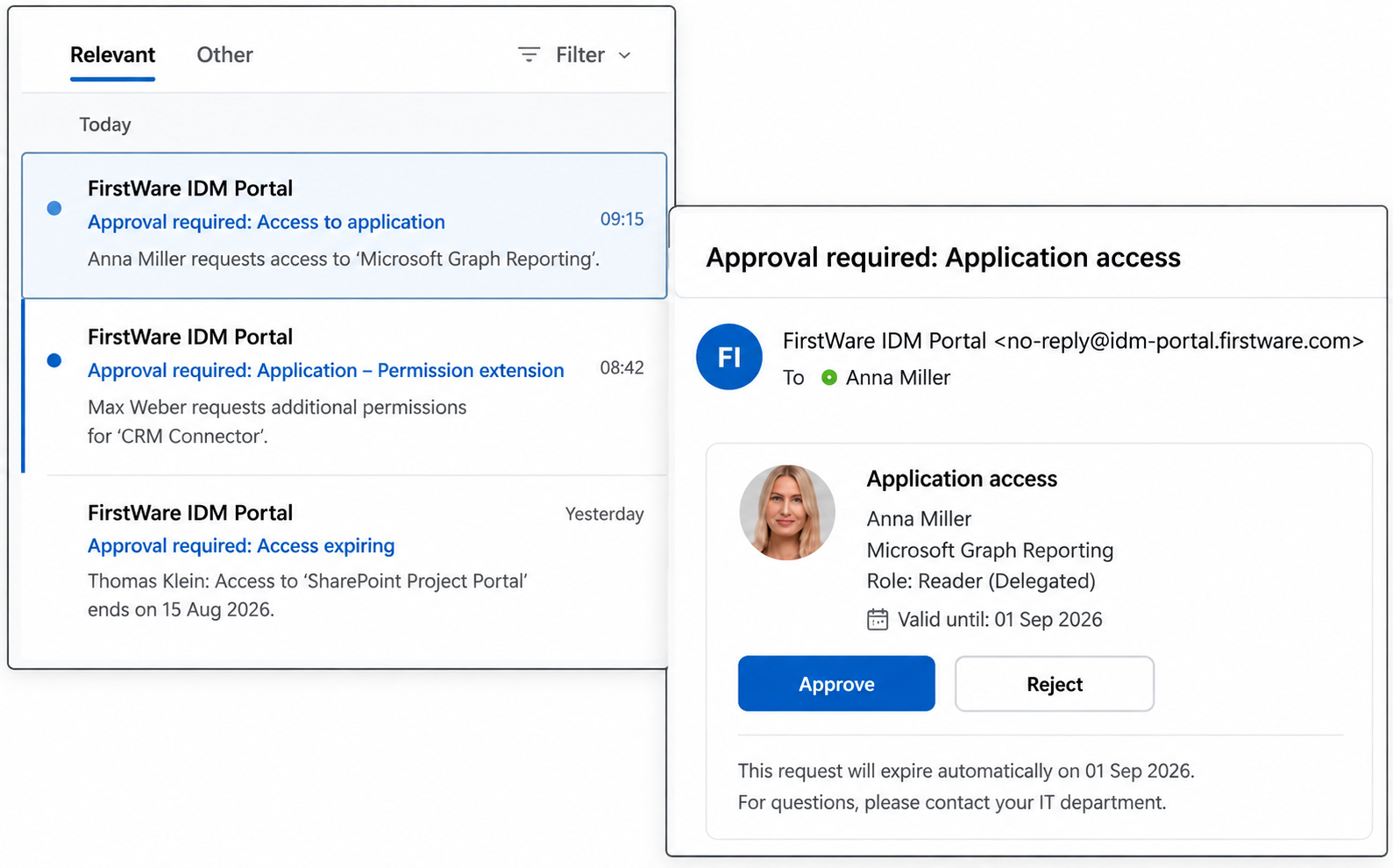
This creates a controlled lifecycle instead of permissions that remain active indefinitely.
Benefits for organizations:
- CIO/CTO: Faster implementation of new integrations
- CISO: Reduced attack surface
- Compliance: Full traceability
Identity lifecycle management ensures that not only access is controlled, but that access rights are also kept up to date over time.
Conclusion
App registrations in Entra ID remain a critical component of modern IT environments. The real issue is not the technical implementation or the question of “admins or business teams,” but the lack of identity lifecycle management. Without a structured lifecycle, organizations face either IT bottlenecks or uncontrolled access pathways.
Organizations that use IAM solutions such as the FirstWare IDM-Portal can balance security and efficiency while maintaining control over their app registrations throughout their entire lifecycle.




Leave a Reply
Thank you for your suggestions, questions, and feedback. You can find our privacy policy here: https://activedirectoryfaq.com/privacy-policy/